QR Code Scam
Recognising and Avoiding QR Code Scams
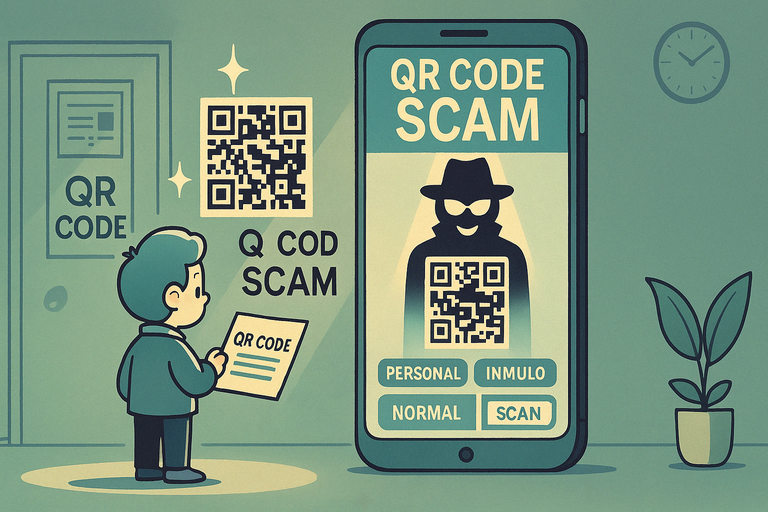
A QR code scam (sometimes called "quishing") sends you to a fake website the moment you scan it. The code might be stuck over the real one on a parking meter, an electric charger, or a restaurant menu, or it might arrive in an email, a poster, a parcel, or a "we missed you" delivery card. The page that opens looks like a real payment, login, or parking site, but anything you type goes to the scammer.
Before scanning, check the code hasn't been tampered with, and look at the URL preview before opening it. Real services don't usually need you to enter card or login details on a page reached only by a QR code.
Things to Be Careful About:
- Unfamiliar QR Codes: Be cautious when scanning codes from unknown sources or public displays.
- Altered Physical Codes: Fraudsters may place fake QR stickers over legitimate ones in public areas.
- Phishing Links: Scanned codes may lead to fake websites designed to steal sensitive information.
- Instant Payments: QR codes requesting immediate payments should always be verified.
- No Additional Information: A lack of context or explanation alongside a QR code can be a red flag.
Actions You Can Take:
- Verify the Source: Ensure the QR code comes from a trusted and verified source before scanning.
- Inspect Physical Codes: Check for signs of tampering, such as stickers placed over original codes.
- Use QR Scanner Apps: Opt for scanner apps that display the URL before opening it to confirm legitimacy.
- Avoid Sensitive Transactions: Do not use QR codes to share sensitive data or complete financial transactions unless fully verified.
- Report Suspicious Codes: Notify authorities or relevant organizations about potentially fraudulent QR codes.
QR code scams exploit convenience and trust in technology. By staying vigilant and verifying the source, you can protect yourself from falling victim to these deceptive tactics.
Still worried about online scams?
If something doesn’t feel right, you don’t have to deal with it alone. Get instant guidance from ScamAvert AI, or try the free Open Beta app for ongoing protection.
No credit card required
Not sure about a link or a code?
CyberSafe Coach has a free checker — paste in a link and get a plain-English answer on whether it is safe.
CyberSafe Coach is an independent partner service. The link will open in a new tab.