Pharming
Understanding and Preventing Pharming Attacks
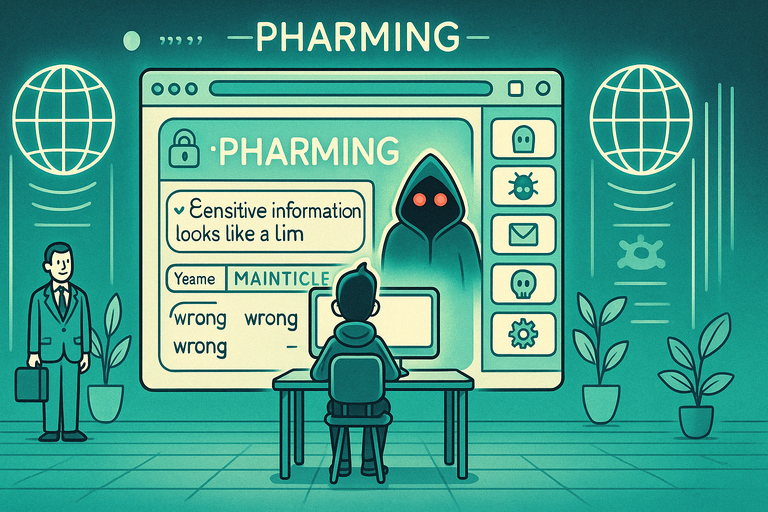
Pharming sends you to a fake website even when you've typed the address correctly. Instead of tricking you with a dodgy link, the attack quietly tampers with your device, your router, or the system that translates web addresses, so the real domain points to a copy designed to steal your login or payment details.
You won't notice anything obvious — the URL still looks right, but the site behind it isn't. Keeping your router firmware, operating system, and browser up to date is the most practical defence, alongside antivirus software and a healthy second look at any familiar site that suddenly behaves oddly.
Things to Be Careful About:
- Unusual Website Behavior: If a trusted website suddenly looks different or asks for unusual information, proceed with caution.
- Malware Infections: Pharming attacks often involve malware that redirects traffic. Regularly scan your devices for threats.
- HTTPS Connection: Ensure the website uses HTTPS, indicated by a padlock icon, to confirm its authenticity.
- Changes in DNS Settings: Be wary of unauthorised changes to your device’s network or DNS settings.
- Unfamiliar URLs: Check the website address carefully for misspellings or unusual domain extensions.
Actions You Can Take:
- Use Secure DNS Services: Opt for trusted DNS providers that offer security against pharming attacks.
- Enable Antivirus Protection: Install and update antivirus software to detect and block malicious redirects.
- Manually Verify URLs: Enter website URLs manually instead of clicking on links in emails or messages.
- Inspect Browser Warnings: Pay attention to browser alerts about insecure or suspicious websites.
- Update Software Regularly: Keep your operating system, browser, and network drivers updated to patch vulnerabilities.
Pharming attacks exploit trust in familiar websites by redirecting users to malicious ones. By staying vigilant and taking proactive measures, you can protect yourself from falling victim to this deceptive scam.
Still worried about online scams?
If something doesn’t feel right, you don’t have to deal with it alone. Get instant guidance from ScamAvert AI, or try the free Open Beta app for ongoing protection.
No credit card required
Want to learn how to spot this kind of scam?
CyberSafe Coach provides free, short lessons that teach you how to check before you act — the habit that protects you against this scam and every other kind.
CyberSafe Coach is an independent partner service. The link will open in a new tab.